 Hearsay
 Choose New survey in the sidebar. You get three options:
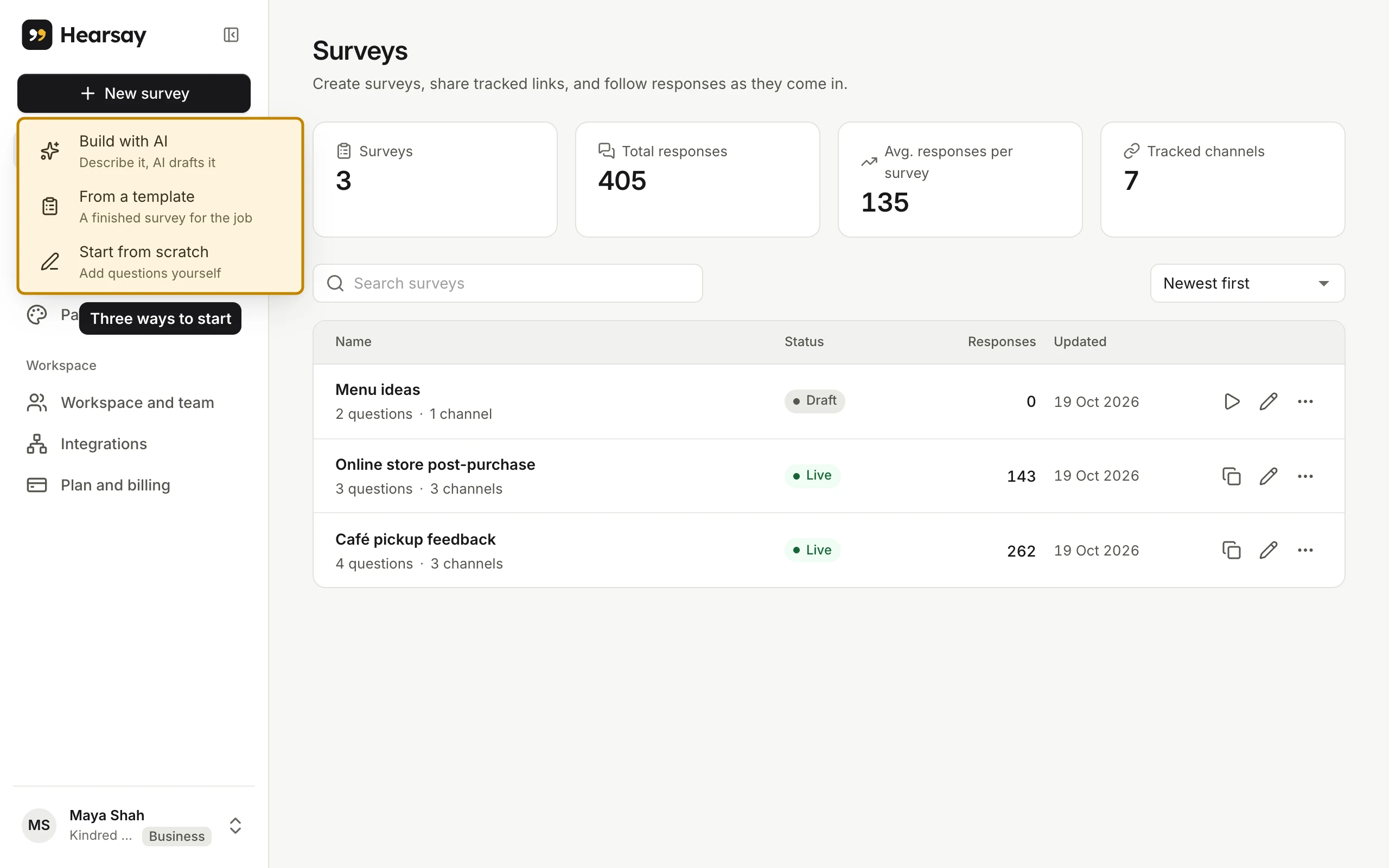
| Option | Best when | What happens |
|---|---|---|
| Build with AI | You know what you want to learn but not the questions | You describe it in a sentence and AI drafts the survey in a chat you can keep refining. See Build a survey with AI. |
| From a template | Your situation is common: first orders, deliveries, cancellations, NPS | You pick a finished survey with a suggested coupon and where to send it. See Start from a template. |
| Start from scratch | You have your questions ready | An empty survey opens in the editor. See The survey editor. |
Whichever you choose, you end up in the same editor, and the survey stays a draft (only your team can see it) until you publish it.
On an empty workspace
When a workspace has no surveys yet, the Surveys page shows the same three options as cards, plus a row of starting points such as Café visit, First order check-in and NPS. Click one to have AI draft that survey for you.
How many surveys can I have?
As many as you like, on every plan. What plans limit is how many responses you collect each month. See Monthly limits.