 Hearsay
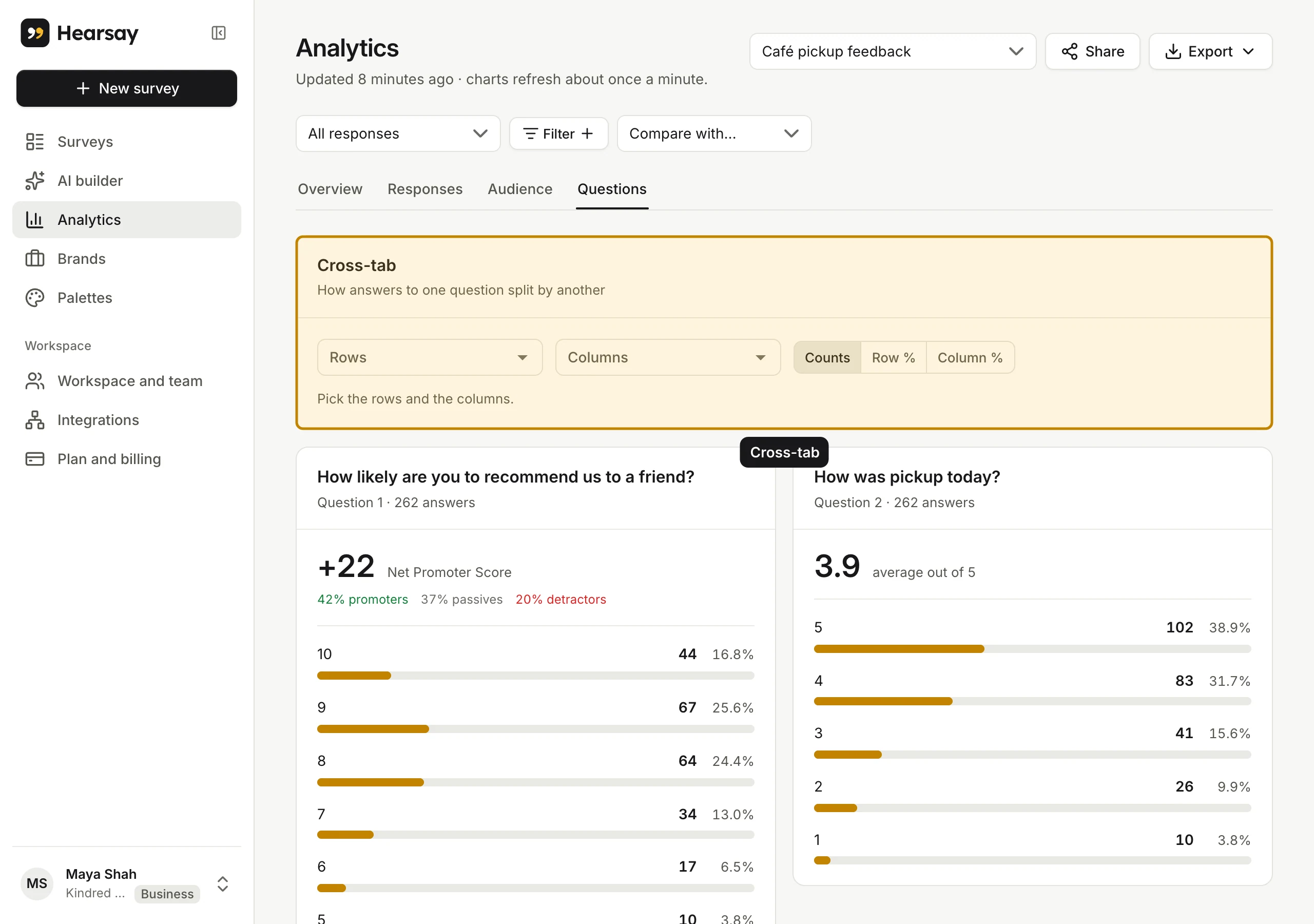
 Open Analytics, pick the survey and choose the Questions tab. Each question gets a card headed Question N · {count} answers.
Scores
| Question | What the card shows |
|---|---|
| Net Promoter Score | The NPS (from −100 to +100) and the share of promoters (9–10), passives (7–8) and detractors (0–6) |
| CSAT | The share satisfied (4 or 5) and the average out of 5 |
| CES | The average effort score out of 7 and the share who found it easy |
| Stars, Likert, custom range | The average, and a bar for every point |
| Slider | The average and median, with bars (grouped into 10 ranges for long scales) |
Choices
- Multiple choice, checkboxes, dropdown, image choice: a bar for every option, zeros included. Long lists show the first 8; choose Show more for the rest. Answers to options you've since renamed show under the new name.
- Ranking: options sorted by their average rank, with how often each was ranked first.
- Matrix grid: a table of counts for every row and column.
- Date and Time: how many answers each value got.
Written answers
Short answers, long answers and contact details show a Read answers button that loads 25 at a time; page through with Newer and Older. To search written answers, add a filter on the question with the rule contains. See Filter results.
Uploaded files
File upload questions show how many files came in, their total size and the most common kind, then a list with a Download button for each. If a file didn't match the type it claimed to be, it was removed and shows Removed: not a {kind}.
Cross-tabs
At the top of the Questions tab, a cross-tab card compares two questions or groups in one table. See Cross-tabs.