 Hearsay
 QR codes bring in-store customers to your survey. Each channel has its own code, so you can tell the counter from the tables.
Download a QR code
- Open the survey's More actions menu and choose Share and channels.
- On the channel's row, choose QR code.
- Choose PNG (1024 pixels, for print or screens) or SVG (sharp at any size, for designers).
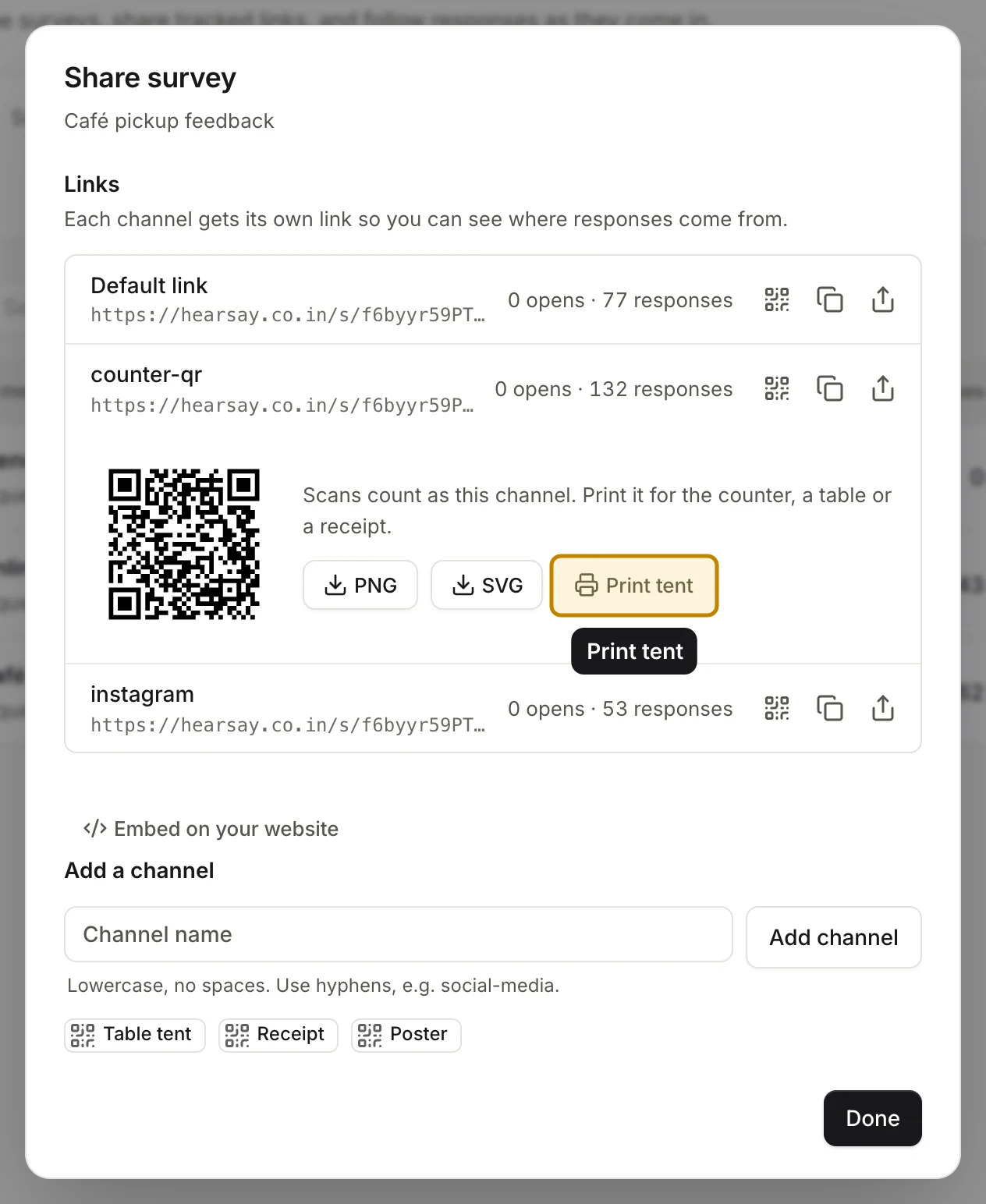
Scans count towards that channel. Give each spot its own channel (for example counter-qr and table-tent) to compare them. See Survey links and channels.
Print a table tent or counter cards
Choose Print tent under the QR code. A printable page opens in a new tab.
- Table tent: one A4 sheet, folded in half to stand on a table.
- Counter cards: four A6 cards on one A4 sheet.
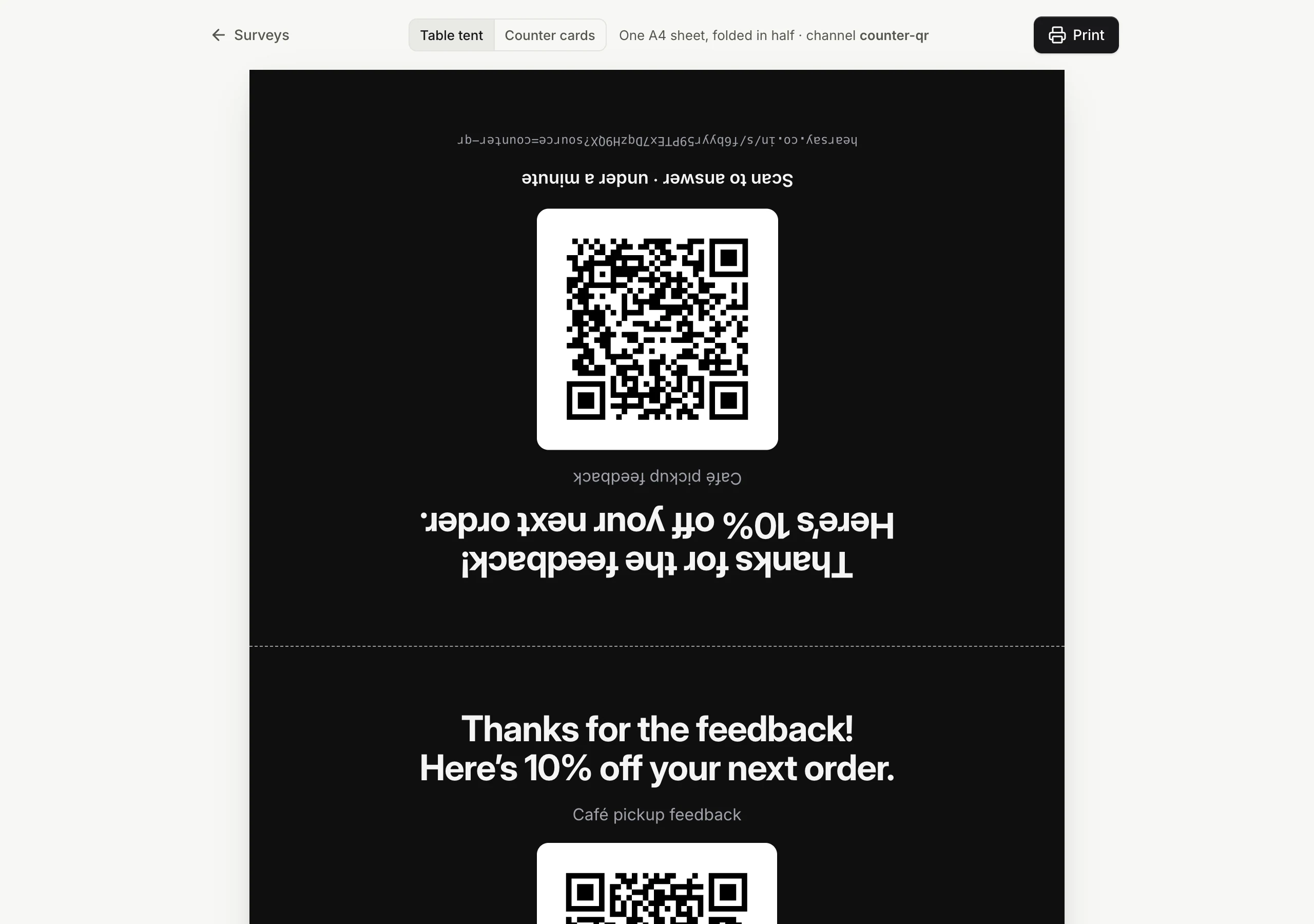
Each one shows your coupon message as the headline (or the survey title if there's no coupon), the QR code, Scan to answer · under a minute, and the link. Choose Print.
On Free, they print in black and white. On Pro and above they use your survey's colours and your logo.